# How to build a HackerNews Clone using Redis
**Authors:** Ajeet Raina | **Category:** For developers | **Published:** 2026-02-25 | **Updated:** 2026-02-26
> **TL;DR:**
>
> Build a Hacker News clone with Redis, use Next.js and React for the frontend and Node.js with Express for the backend. Store user profiles, posts, and comments as Redis JSON documents, index them with `FT.CREATE` for full-text search, and use sorted sets to rank content by score. The result is a fast, full-stack social news app with voting, comments, user authentication, and moderation — all powered by Redis.
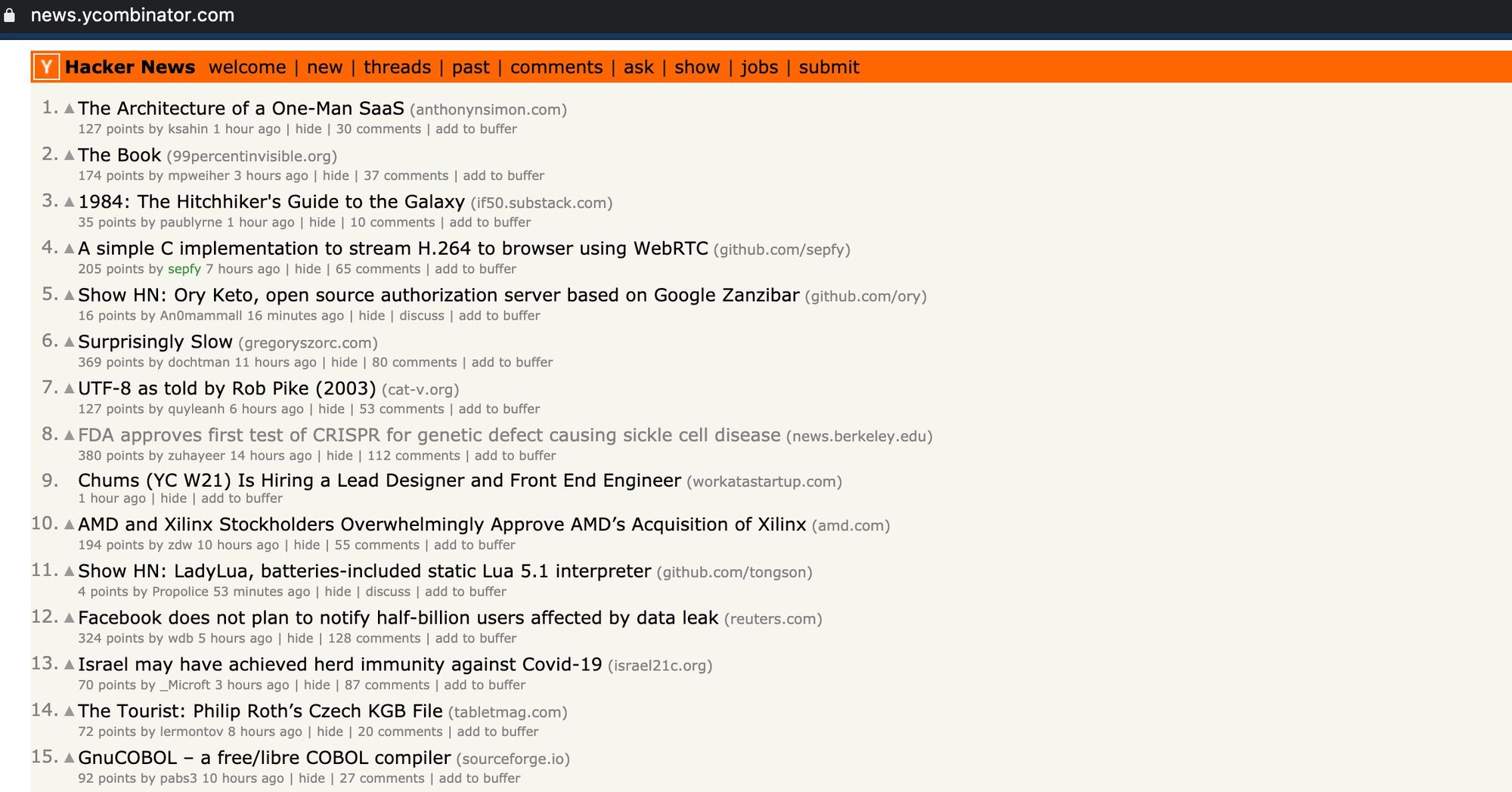
Hacker News (sometimes abbreviated as HN) is a social news website focusing on computer science and entrepreneurship. It developed as a project of Graham's company Y Combinator, functioning as a real-world application of the Arc programming language which Graham co-developed.
This is a HackerNews clone built upon React, NextJS as a frontend and NodeJS, ExpressJS & Redis as a backend. This application uses JSON for storing and searching the data in Redis.
## What will you learn?
- How to model users, posts, and comments as Redis JSON documents
- How to create search indexes with `FT.CREATE` and query them with `FT.SEARCH`
- How to implement a voting and ranking system using Redis sorted sets
- How to build user authentication with hashed passwords and auth tokens
- How to wire up a Next.js frontend to a Redis-backed Express API
## What will you build?
A fully functional Hacker News clone that supports:
- User registration and login
- Submitting, upvoting, and commenting on posts
- Real-time content ranking by score
- Full-text search across post titles
- A moderation log for admin actions
## What are the prerequisites?
Before getting started, make sure you have the following installed:
- **Node.js** v15.10.0 or later
- **NPM** v7.8.0 or later
- A [Redis Cloud account](https://redis.io/try-free/) (free tier works)
If you are new to Node.js and Redis, start with the [Getting Started with Node.js and Redis](/tutorials/develop/node/gettingstarted/) tutorial first.
## How do you create the Redis Cloud database?
Redis Cloud is a fully-managed cloud service for hosting and running your Redis dataset in a highly-available and scalable manner, with predictable and stable top performance. You can quickly and easily get your apps up and running with Redis Cloud — just tell us how much memory you need and get started instantly with your first Redis database. You can then add more Redis databases (each running in a dedicated process, in a non-blocking manner) and increase or decrease the memory size of your plan without affecting your existing data.
[Follow this link](https://redis.io/try-free/) to create a Redis Cloud account with 2 databases.
Save the database endpoint URL and password for future reference.
## How do you clone and configure the project?
### Clone the repository
```bash
git clone https://github.com/redis-developer/redis-hacker-news-demo
cd redis-hacker-news-demo
```
### Set up environment variables
Copy `.env.sample` to `.env` and provide the values as shown below:
```bash
MAILGUN_API_KEY=YOUR_VALUE_HERE
SEARCH_REDIS_SERVER_URL=redis://redis-XXXXX.c10.us-east-1-2.ec2.cloud.redislabs.com:10292
SEARCH_REDIS_PASSWORD=ABCDXYZbPXHWsC
JSON_REDIS_SERVER_URL=redis://redis-XXXXX.c14.us-east-1-2.ec2.cloud.redislabs.com:14054
JSON_REDIS_PASSWORD=ABCDXYZA3tzw2XYMPi2P8UPm19D
LOG_LEVEL=1
USE_REDIS=1
REDIS_REINDEX=
PRODUCTION_WEBSITE_URL=i
```
## How do you run the application?
### Start the development server
```bash
npm install
npm run dev
```
### Seed the database with Hacker News data
Using the [Hacker News API](https://github.com/HackerNews/API), the seed script pulls the latest data. First create a moderator with `moderator:password123`, then run:
```bash
node ./backend/scripts/seed.js
```
### Access the application
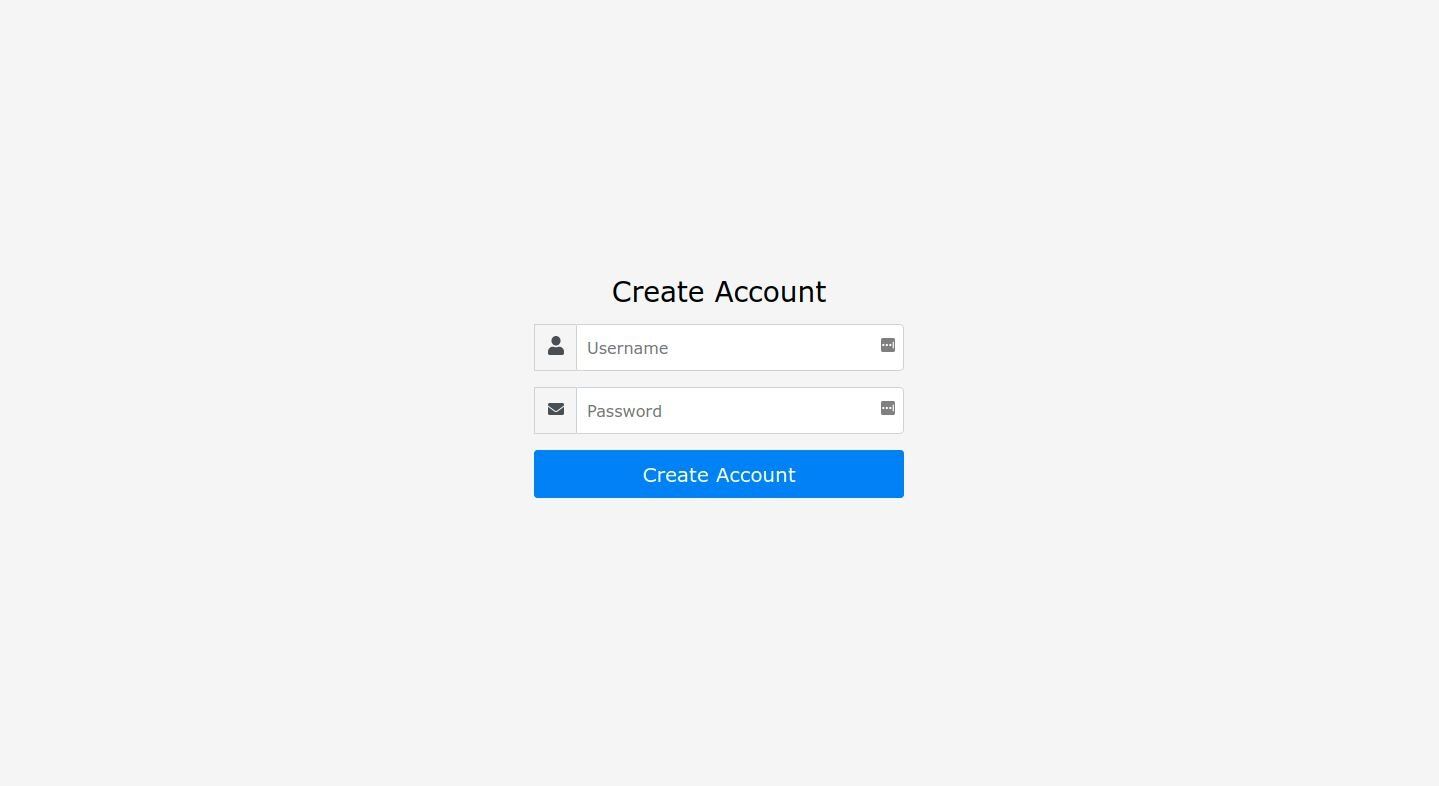
Open https://localhost:3001 and you should see the HackerNews login screen:
## How does each screen work?
### How does user signup work?

- Make sure user(where username is andy1) does not exist.
```bash
FT.SEARCH idx:user @username:"andy1" NOCONTENT LIMIT 0 1 SORTBY _id DESC
```
- Get and increase the next id in users collection.
```bash
GET user:id-indicator // 63
INCR user:id-indicator // 64 will be next user id, 63 is current user id
```
- Create user:63 hash and json.(json also collects authToken and password hash etc)
```bash
HSET user:63 username andy1 email created 1615569194 karma 0 about showDead false isModerator false shadowBanned false banned false _id 63
```
```bash
JSON.SET user:63 .
```
```json
"{\"username\":\"andy1\",\"password\":\"$2a$10$zy8tsCske8MfmDX5CcWMce5S1U7PJbPI7CfaqQ7Bo1PORDeqJxqhe\",\"authToken\":\"AAV07FIwTiEkNrPj0x1yj6BPJQSGIPzV0sICw2u0\",\" authTokenExpiration\":1647105194,\"email\":\"\",\"created\":1615569194,\"karma\":0,\"showDead\":false,\"isModerator\":false,\"shadowBanned\":false,\"banned\":false,\"_id\":63}"
```
### How does user login work?
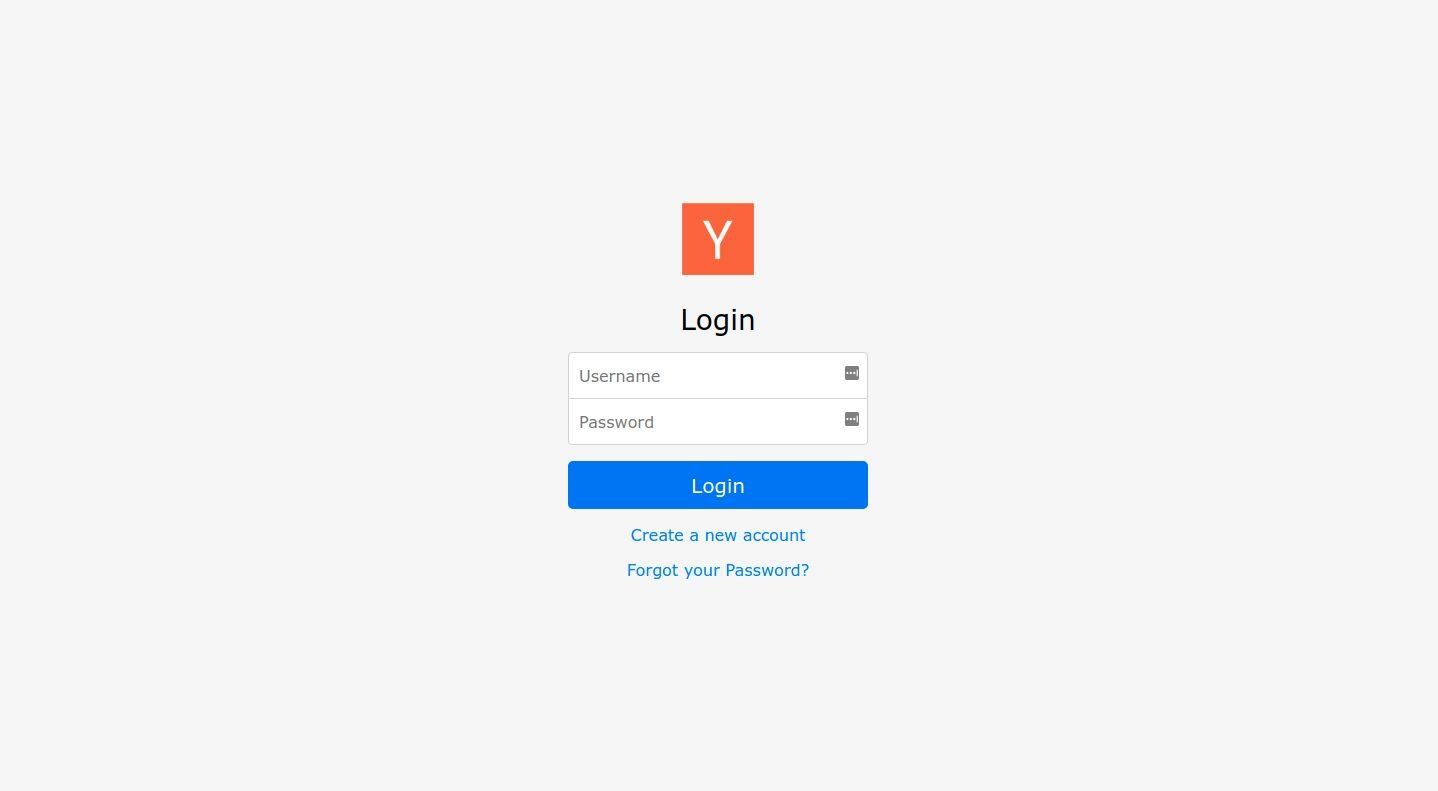
- Find user
```bash
FT.SEARCH idx:user @username:"andy1" NOCONTENT LIMIT 0 1 SORTBY _id DESC
```
- Make sure password is correct
```bash
JSON.MGET user:63 .
```
- Compare password and new password hash and create cookie if it's successful
### How does the item list page work?

- Check if user has toggled hidden attribute on a specific item.
```bash
FT.SEARCH idx:user-hidden @username:"andy1" NOCONTENT LIMIT 0 10000 SORTBY _id DESC
// Result - [0, "item:4"]
```
- If that is not null
```bash
FT.SEARCH idx:item (-(@id:"item:4")) (@dead:"false") NOCONTENT LIMIT 0 30 SORTBY _id ASC
```
- If it's empty array
```bash
FT.SEARCH idx:item (@dead:"false") NOCONTENT LIMIT 0 30 SORTBY _id ASC
// Result - [3,"item:1","item:2","item:3"]
```
- Get all items from Redis using `JSON.MGET`
```bash
JSON.MGET item:1 item:2 item:3 .
// Result - [{"id":"bkWCjcyJu5WT","by":"todsacerdoti","title":"Total Cookie
Protection","type":"news","url":"https://blog.mozilla.org/security/2021/02/23/total-cookie-
protection/","domain":"mozilla.org","points":1,"score":1514,"commentCount":0,"created":1614089461,"dead":false,"_id":3}]]
```
- Get items posted within last 1 week
```bash
FT.SEARCH idx:item (@created:[(1615652598 +inf]) (@dead:"false") NOCONTENT LIMIT 0 0 SORTBY _id DESC
// Result - [13,"item:19","item:17","item:16","item:15","item:14","item:13","item:12","item:11","item:8","item:5","item:4","item:3","item:1"]
```
> **NOTE**
>
> In this case, 1615652598 is a timestamp of 1 week ealier than current timestamp
```bash
JSON.MGET item:19 item:17 item:16 item:15 item:14 item:13 item:12 item:11 item:8 item:5 item:4 item:3 item:1 .
// Result - the JSON of selected items
```
### How does the item detail page work?
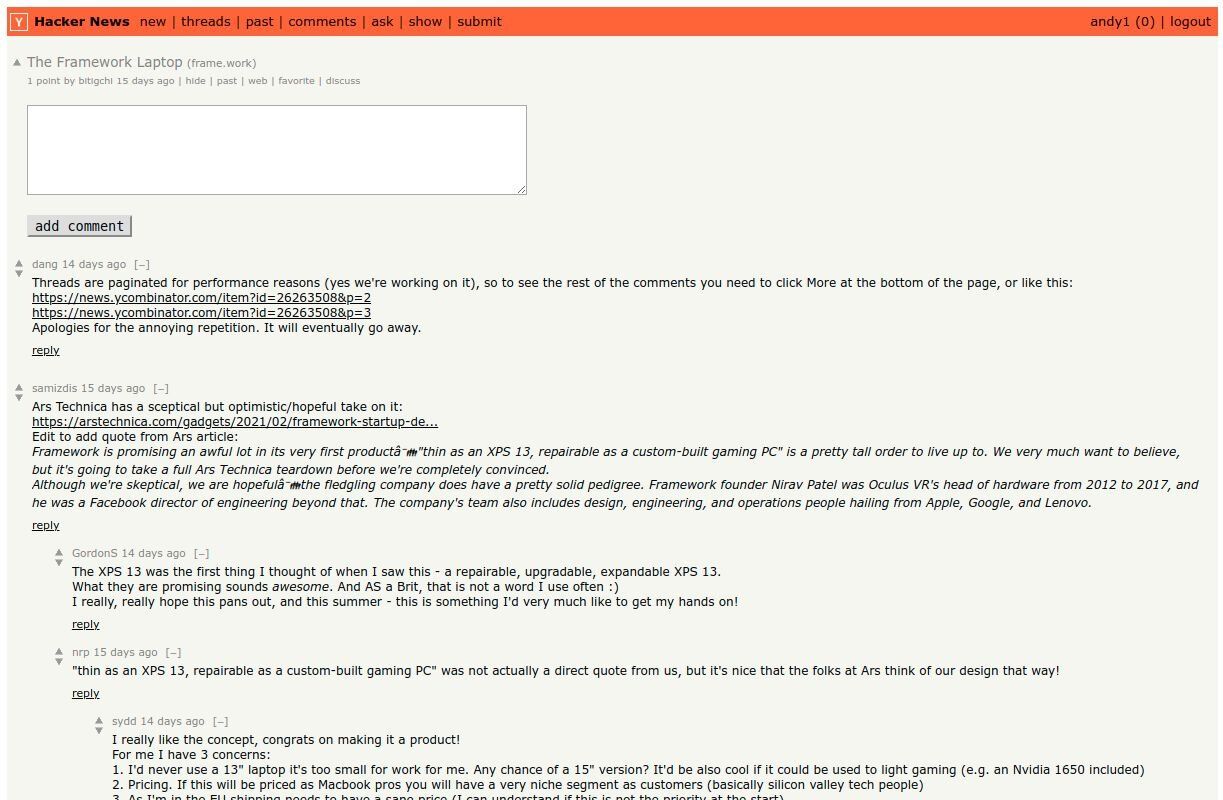
- Get the item object first
```bash
JSON.MGET item:1 .
```
- Find item:1 's root comments
```bash
FT.SEARCH idx:comment (@parentItemId:"kDiN0RhTivmJ") (@isParent:"true") (@dead:"false") NOCONTENT LIMIT 0 30 SORTBY points ASC
// Result - [3,"comment:1","comment:2","comment:12"]
```
- Get those comments
```bash
JSON.MGET comment:1 comment:2 comment:12 .
// one comment example result - {"id":"jnGWS8TTOecC","by":"ploxiln","parentItemId":"kDiN0RhTivmJ","parentItemTitle":"The Framework
Laptop","isParent":true,"parentCommentId":"","children":[13,17,20],"text":"I don't see any mention of the firmware and drivers efforts for this.
Firmware and drivers always end up more difficult to deal with than expected.The Fairphone company was surprised by difficulties upgrading and
patching android without support from their BSP vendor, causing many months delays of updates _and_ years shorter support life than they were
planning for their earlier models.
I purchased the Purism Librem 13 laptop from their kickstarter, and they had great plans for firmware and
drivers, but also great difficulty following through. The trackpad chosen for the first models took much longer than expected to get upstream linux
support, and it was never great (it turned out to be impossible to reliably detect their variant automatically). They finally hired someone with
sufficient skill to do the coreboot port _months_ after initial units were delivered, and delivered polished coreboot firmware for their initial
laptops _years_ after they started the kickstarter.
So, why should we have confidence in the firmware and drivers that Framework will deliver
:)","points":1,"created":1614274058,"dead":false,"_id":12}
```
- Using children of each comment, fetch children comments
```bash
FT.SEARCH idx:comment (@dead:"false") (@_id:("3"|"7"|"11")) NOCONTENT LIMIT 0 10000 SORTBY _id DESC
```
- Iterate this over until all comments are resolved
### How does submitting a new item work?
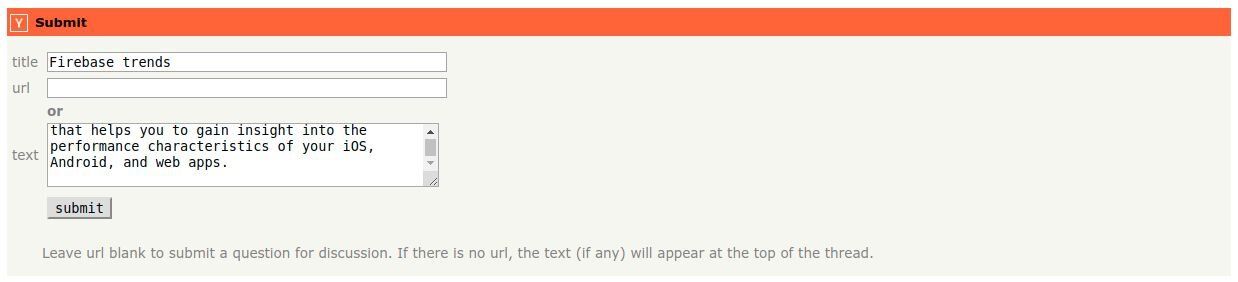
- Get next item's id and increase it
```bash
GET item:id-indicator
// Result - 4
SET item:id-indicator 5
```
- Create hash and index
```bash
HSET item:4 id iBi8sU4HRcZ2 by andy1 title Firebase trends type ask url domain text Firebase Performance
Monitoring is a service that helps you to gain insight into the performance characteristics of your iOS, Android, and web apps. points 1 score 0 created 1615571392 dead false _id 4
```
```bash
JSON.SET item:4 . '{"id":"iBi8sU4HRcZ2","by":"andy1","title":"Firebase trends","type":"ask","url":"","domain":"","text":"Firebase Performance
Monitoring is a service that helps you to gain insight into the performance characteristics of your iOS, Android, and web
apps.","points":1,"score":0,"commentCount":0,"created":1615571392,"dead":false,"_id":4}'
```
### How does updating a user profile work?
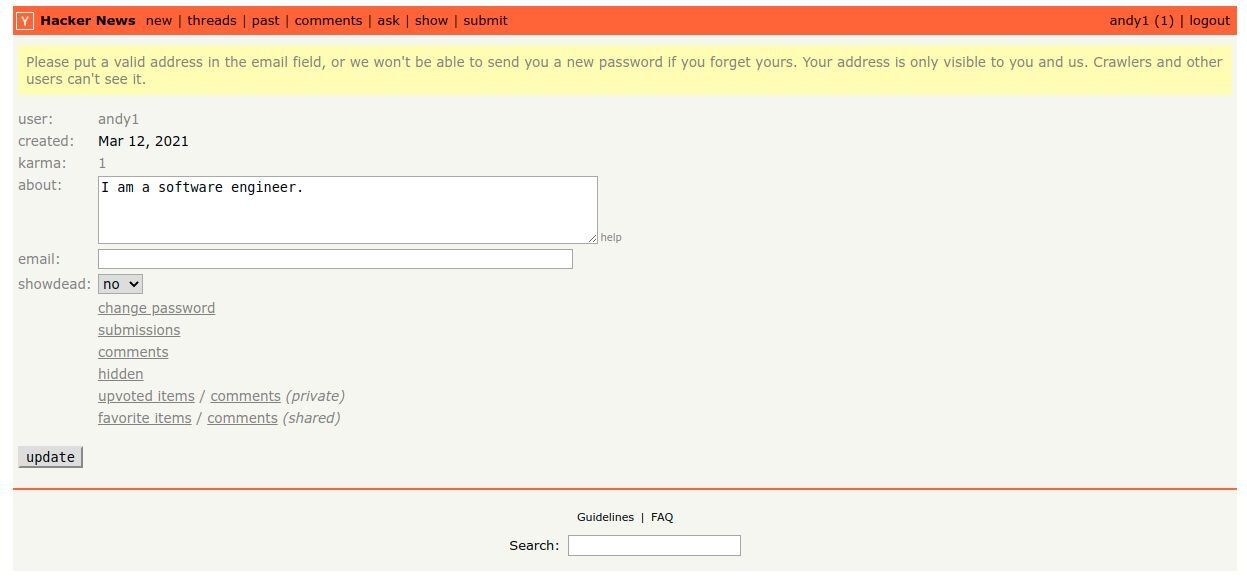
- Get the user
```bash
FT.SEARCH idx:user (@username:"andy1") NOCONTENT LIMIT 0 1 SORTBY _id DESC
```
```bash
JSON.MGET user:63 .
```
- Update new user
```bash
HSET user:63 username andy1 email created 1615569194 karma 1 about I am a software engineer. showDead false isModerator false shadowBanned false
banned false _id 63
```
```bash
JSON.SET user:63 .
'{"username":"andy1","password":"$2a$10$zy8tsCske8MfmDX5CcWMce5S1U7PJbPI7CfaqQ7Bo1PORDeqJxqhe","authToken":"KJwPLN1idyQrMp5qEY5hR3VhoPFTKRcC8Npxxoju"," authTokenExpiration":1647106257,"email":"","created":1615569194,"karma":1,"about":"I am a software
engineer.","showDead":false,"isModerator":false,"shadowBanned":false,"banned":false,"_id":63}'
```
### How do moderation logs work?

- Find all moderation logs
```bash
FT.SEARCH idx:moderation-log * NOCONTENT LIMIT 0 0 SORTBY _id DESC
// Result - [1,"moderation-log:1"]
```
- Get that moderation logs
```bash
JSON.MGET moderation-log:1 .
```
### How does search work?
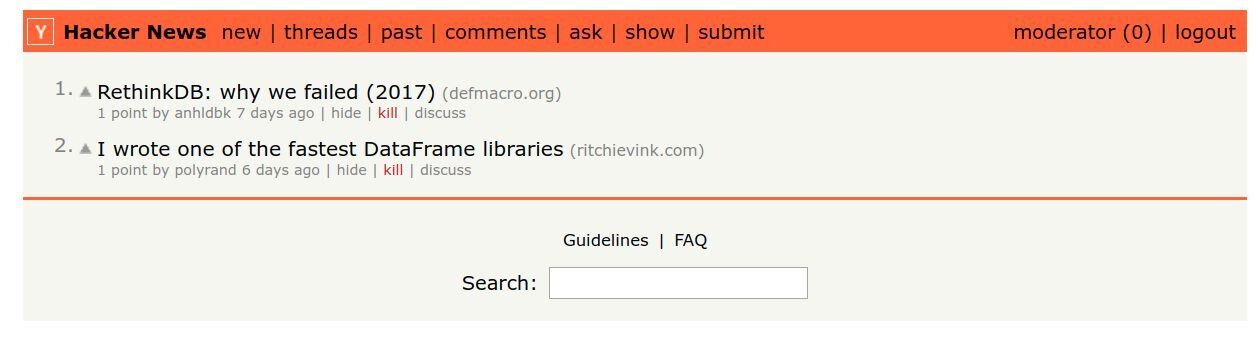
- Get items that contains "fa"
```bash
FT.SEARCH idx:item (@title:fa*) (-(@id:"aaaaaaaaa")) (@dead:"false") NOCONTENT LIMIT 0 30 SORTBY score ASC
// Result - [2,"item:18","item:16"]
```
- Get those items via json
```bash
JSON.MGET item:18 item:16 .
```
## What Redis commands does this application use?
### There are 2 type of fields, indexed and non-indexed
1. Indexed fields will be stored in hash using HSET/HGET.
2. Non-indexed fields will be stored in JSON.
- Create an index
When schema is created, it should created index.
```bash
FT.CREATE idx:user ON hash PREFIX 1 "user:" SCHEMA username TEXT SORTABLE email TEXT SORTABLE karma NUMERIC SORTABLE
```
- Drop search index
Should drop/update index if the schema has changed
```bash
FT.DROPINDEX idx:user
```
- Get search info
Validate if the fields are indexed properly. If not, it will update the index fields or drop/recreate.
```bash
FT.INFO idx:user
```
- Create a new user
It will require new hash and new JSON record
```bash
HSET user:andy username "andy" email "andy@gmail.com" karma 0
```
```bash
JSON.SET user:andy '{"passoword": "hashed_password", "settings": "{ \"showDead\": true }" }'
```
- Update a user
```bash
HSET user:1 username "newusername"
```
```bash
JSON.SET user:andy username "newusername"
```
- Find user with username 'andy'
1. Find the user's hash first
```bash
FT.SEARCH idx:user '@username:{andy}'
```
2\. Fetch the JSON object to get the related JSON object
```bash
JSON.GET user:andy
```
- Find user whose id is andy1 or andy2
```bash
FT.SEARCH idx:user '@id:("andy1"|"andy2")'
```
- Find user whose id is not andy1 or andy2
```bash
FT.SEARCH idx:user '(-(@id:("andy1"|"andy2")))'
```
- Find user whose id is andy1 or username is andy
```bash
FT.SEARCH idx:user '(@id:"andy1") | (@username:"andy")'
```
- Find user whose id is andy1 and username is andy
```bash
FT.SEARCH idx:user '(@id:"andy1") (@username:"andy")'
```
- Find first 10 users order by username
```bash
FT.SEARCH idx:user '*' LIMIT 0 10 SORTBY username ASC
```
- Find next 10 users
```bash
FT.SEARCH idx:user '*' LIMIT 10 20 SORTBY username ASC
```
- Get from JSON from multiple keys
```bash
JSON.MGET idx:user "andy1" "andy2" "andy3"
```
## Next steps
Now that you've built a Hacker News clone with Redis, here are some ways to keep going:
- **Build a social network app:** Follow the [How to Build a Social Network Application using Redis and NodeJS](/tutorials/howtos/socialnetwork/) tutorial to explore user matching with search in Redis.
- **Add a shopping cart:** See [How to Build a Shopping Cart App Using Node.js and Redis](/tutorials/how-to-build-a-shopping-cart-app-using-nodejs-and-redis/) for another full-stack Redis project.
- **Learn Redis fundamentals:** Check out the [Redis quick start](/tutorials/howtos/quick-start/) to deepen your understanding of core commands and data structures.
- **Explore Redis JSON:** Read more about [JSON in Redis](/tutorials/howtos/quick-start/#secondary-indexing-and-searching-with-redis) and how to index and query JSON documents.
- **Try Redis Cloud:** [Sign up for a free Redis Cloud account](https://redis.io/try-free/) to deploy your app with a managed Redis instance.
## References
- Learn more about [JSON in Redis](/tutorials/howtos/quick-start/#secondary-indexing-and-searching-with-redis) in the Redis quick start tutorial.
- [How to build shopping cart app using NodeJS and JSON in Redis](/tutorials/how-to-build-a-shopping-cart-app-using-nodejs-and-redis/)
- [Indexing, Querying, and Full-Text Search of JSON Documents with Redis](https://redis.io/blog/index-and-query-json-docs-with-redis/)